
GIMP
GIMP is a free, open-source raster image editor for photo retouching and graphic work. This page covers version 3.2.6 for Windows.
Windows
Open source

PicWish is an AI photo editing app for Windows that removes backgrounds, cleans up images and prepares product photos with a few clicks.
Average 0.0 · ratings: 0
Thank you! Your rating is saved; you can change it. Could not save the rating. Please try again later. Too many ratings from your network today. Please try again tomorrow. The average appears after 5 ratings.
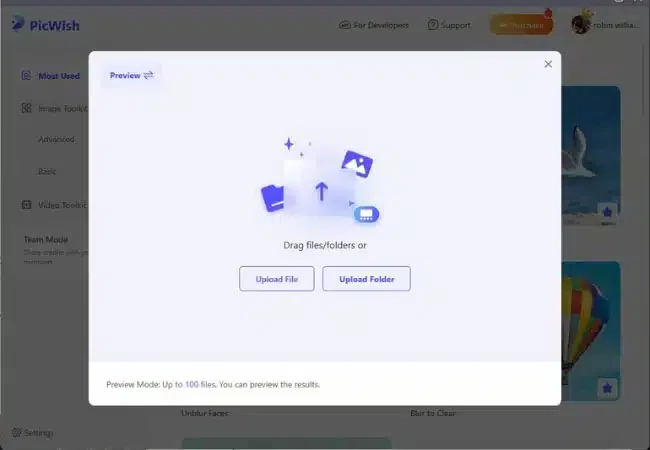
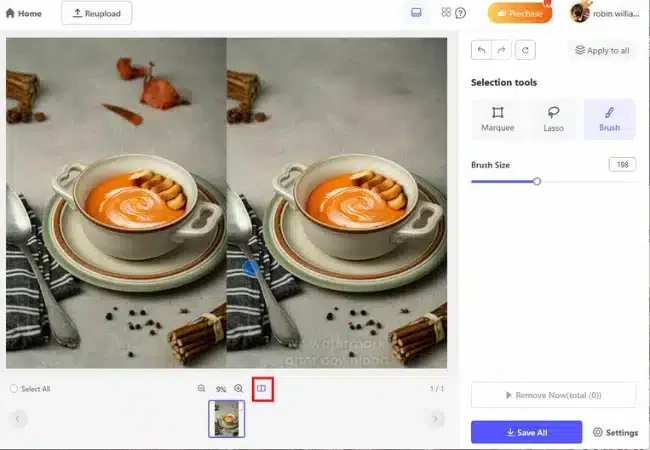
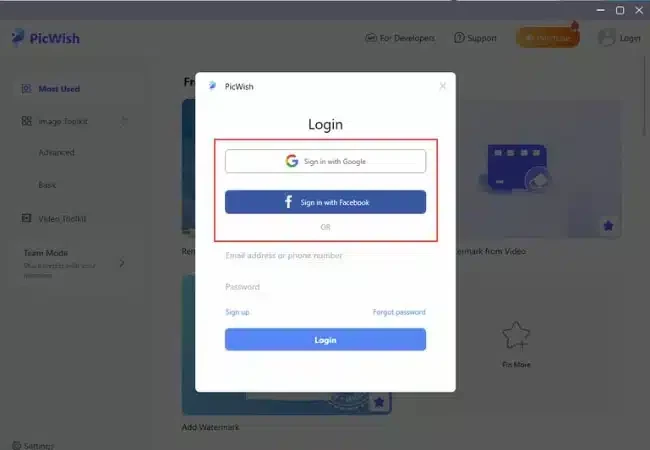
PicWish 2.17.7 is a Windows photo editor that uses AI to handle common image tasks automatically: removing the background from a photo, cleaning up unwanted objects, improving blurry pictures and preparing product shots. It is aimed at online sellers, social media users and anyone who needs a quick result without learning a professional editor. The catalogue lists the licence as a demo, and you can download PicWish for Windows from picwish.com or the Microsoft Store.
Cutting a product out of its background, placing it on white and exporting the result in the right size used to take a skilled editor several minutes per picture. PicWish reduces this to dropping an image into the window and waiting a moment while the AI detects the subject. The same applies to removing a passer-by from a holiday photo, sharpening a slightly blurred portrait or creating a passport-style picture with a plain background. Results are usually good with clear subjects and simple backgrounds; fine hair, glass and busy scenes may need a manual touch-up. Because the heavy processing is done by PicWish's service, an internet connection is needed, and the small installer mostly sets up the app that talks to that service.
New tools and improvements are listed on the PicWish new features page.
The trial lets you test the tools with limitations, such as lower export quality or a limited number of images. Full-quality exports usually require credits or a subscription; check the current terms before buying. Since images are processed online, avoid uploading confidential documents or photos of other people without their consent.
For manual editing without subscriptions, our listings include GIMP and Photoscape. Adobe Photoshop and CorelDraw are professional options, and Microsoft Designer offers quick AI-assisted graphics.
GIMP is a free, open-source raster image editor for photo retouching and graphic work. This page covers version 3.2.6 for Windows.
Adobe Photoshop is the raster graphics editor from Adobe for photo retouching and image editing. Version 2026 27.10 installs as a trial on Windows.
Adobe Illustrator Online refers to using Adobe's vector design tool through the browser and Adobe's web services, with an Adobe account and plan.
Adobe Illustrator is Adobe's vector graphics editor for logos, illustrations and print design. This page covers Illustrator CC 2026, version 30.8, for Windows.

PixelLab is an Android app from App Holdings for adding text, stickers and effects to photos; on a Windows PC it runs through an Android emulator.
Adobe Photoshop CS6 is an older perpetual-licence version of Adobe's image editor for Windows; Adobe no longer sells or updates it, and today's Photoshop is subscription-based.